File endpoint
Our Publish File Endpoint feature provides a simple and secure way to get your data into Zparse. Just send a file from any application, and it will automatically trigger a workflow to process your data instantly. It’s the easiest way to connect your systems and put your data to work.
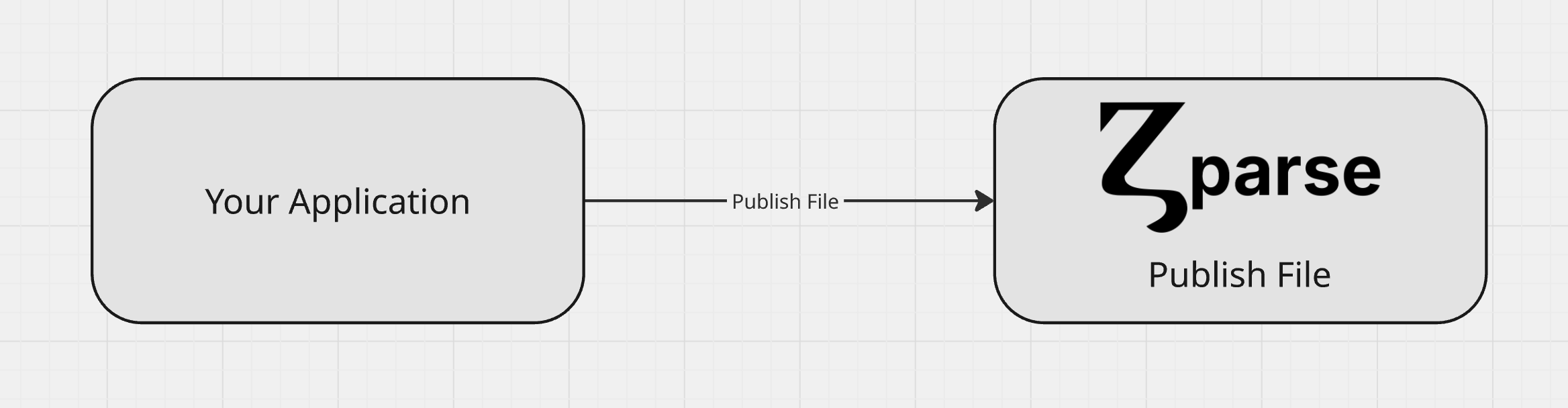
Pre-requisite
To successfully send data to Zparse, your workflow must first be configured with a File endpoint function node. This node acts as the entry point for your data, generating a unique URL where you can securely publish files. Without this specific function node, the workflow cannot be triggered by external data, and you will not be able to send files to your pipeline.
Configuration
See platform reference: How to configure File endpoint
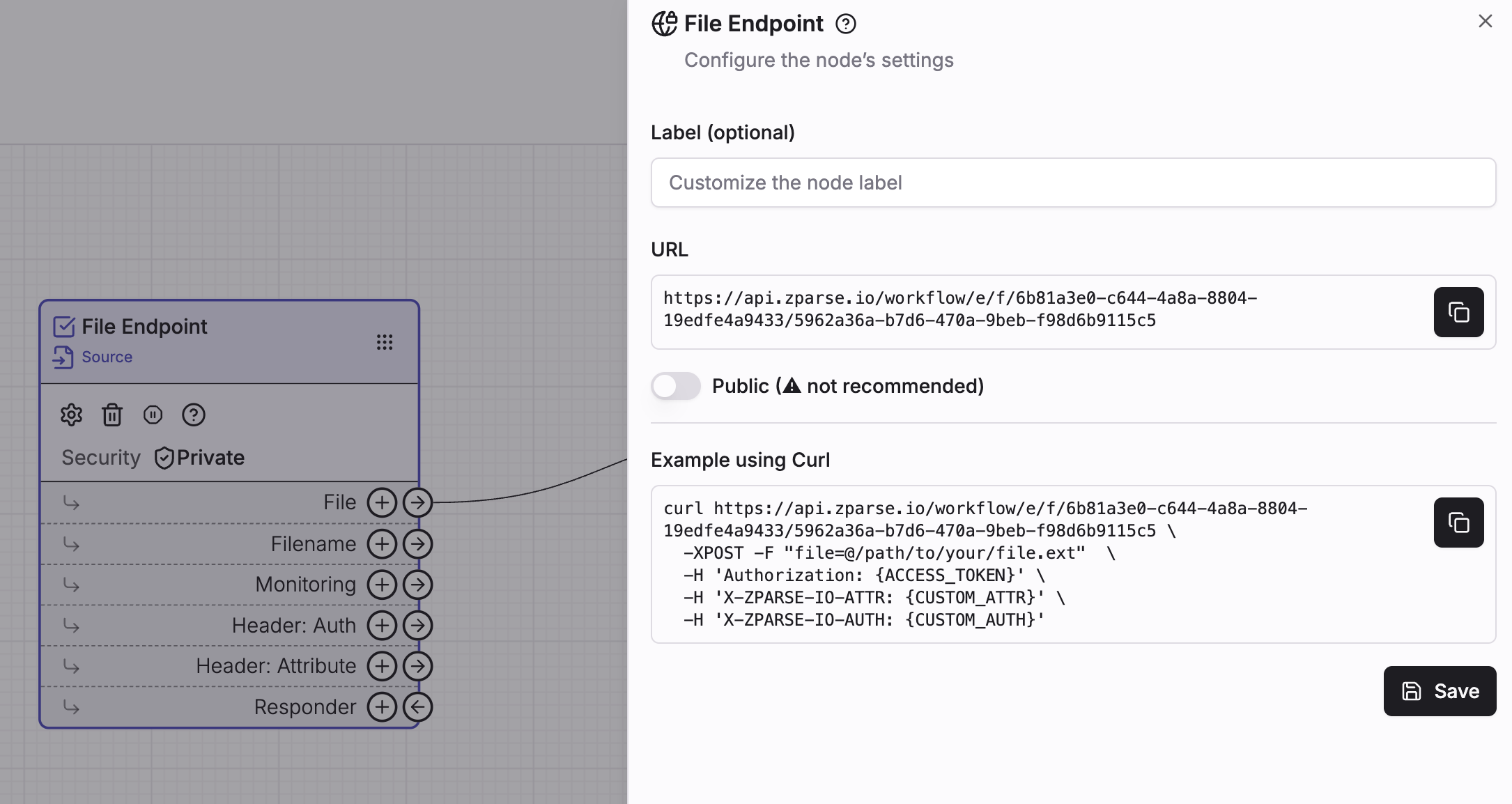 Copy endpoint url directly from your workflow editor page
Usage
Call given url from your own http client using POST request.
The file you want to send, as a multipart/form-data part named file.
Up to 2000 MB. Its original name is forwarded to the workflow on the
Filename connector, so you can branch on the extension or reuse the name
downstream.
Play (default) runs the workflow synchronously and answers with your
responder's output. PlayAsync answers immediately with the execution
tracker and keeps processing in the background.
If private workflow: Configured access key. Cf: How to handle Authentication.
Optional header you can use to provide additional context to your call.
Optional header you can use to check extra security.
curl https://api.zparse.io/workflow/e/f/xxx/yyy \
  -H 'Authorization: {ACCESS_KEY}' \
  -H 'X-ZPARSE-IO-ATTR: {CUSTOM_ATTR}' \
  -H 'X-ZPARSE-IO-AUTH: {CUSTOM_AUTH}' \
  -XPOST -F "file=@/path/to/your/file.ext"
def publish_file(file_path, secret_key):
    headers = {
        'Authorization': secret_key,
    }

    with open(file_path, 'rb') as file:
        files = {'file': (file_path, file, 'application/octet-stream')}
        response = requests.post('https://api.zparse.io/workflow/e/f/xxx/yyy', files=files, headers=headers)
        return response
Response
By default the call runs synchronously: it is held open until the workflow finishes, and the response is produced by the responder you wired on your function.
With no responder wired, the call still runs the workflow but has nothing to return.
Long-running workflows
A synchronous call is bound by a server-side execution timeout. If your pipeline is slow — OCR, an AI step, a large spreadsheet — call it with ?mode=PlayAsync:
curl 'https://api.zparse.io/workflow/e/f/xxx/yyy?mode=PlayAsync' \
  -H 'Authorization: {ACCESS_KEY}' \
  -XPOST -F "file=@/path/to/your/file.ext"
The call then answers immediately with the execution tracker (or an empty 200 for an anonymous caller), and you collect the result afterwards — see retrieving a response.