JSON endpoint
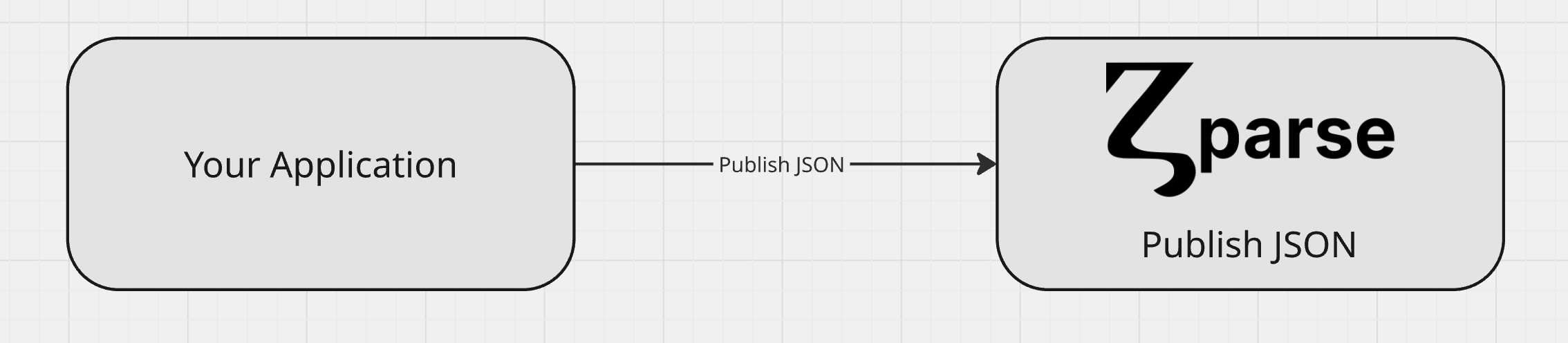
Our Publish JSON Endpoint feature provides a simple and secure way to get your data into Zparse. Just send a JSON payload from any application, and it will automatically trigger a workflow to process your data instantly. It’s the easiest way to connect your systems and put your data to work.
Pre-requisite
To successfully send data to Zparse, your workflow must first be configured with a JSON endpoint function node. This node acts as the entry point for your data, generating a unique URL where you can securely publish json payloads. Without this specific function node, the workflow cannot be triggered by external data, and you will not be able to send json to your pipeline.
Configuration
See platform reference: How to configure JSON endpoint
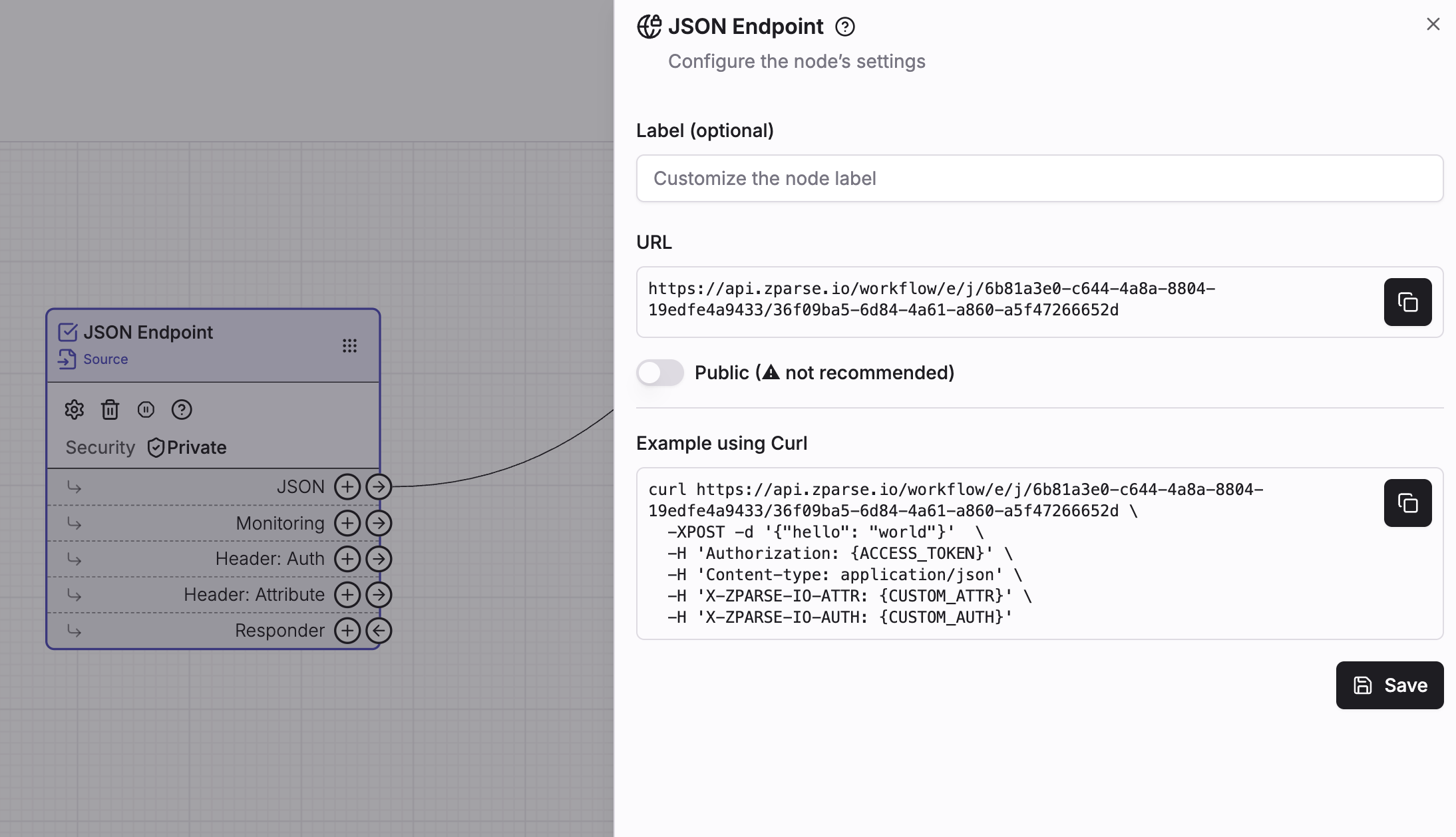 Copy endpoint url directly from your workflow editor page
Usage
Call given url from your own http client via POST request.
Any valid JSON — an object, an array, or a scalar. A malformed body is rejected before the workflow starts.
If private workflow: Configured access key. Cf: How to handle Authentication.
application/jsonOptional header you can use to provide additional context to your call.
Optional header you can use to check extra security.
curl https://api.zparse.io/workflow/e/j/xxx/yyy \
  -H 'Authorization: {ACCESS_KEY}' \
  -H 'X-ZPARSE-IO-ATTR: {CUSTOM_ATTR}' \
  -H 'X-ZPARSE-IO-AUTH: {CUSTOM_AUTH}' \
  -XPOST -d '{"hello": "world"}'
def publish_json(payload, secret_key):
    headers = {
        'Authorization': secret_key,
         'Content-Type': 'application/json'
    }
    return requests.post('https://api.zparse.io/workflow/e/j/xxx/yyy', json=payload, headers=headers)
Receiving the payload in your workflow
By default the whole body arrives on the node's single JSON output connector, and you pick it apart with mapping functions downstream.
You can also declare key extractions on the node: each one names a JSON path and a type, and gets its own typed output connector. The single JSON output is then replaced by one connector per extraction, so the values you care about are wired directly where they are needed.
A non-optional extraction whose path matches nothing fails the request, which makes the endpoint reject malformed payloads at the door rather than halfway through the run. See How to configure key extractions.
Response
This endpoint always runs synchronously — the call is held open until the workflow finishes — and the response is produced by the responder you wired on your function.
With no responder wired, the call still runs the workflow but has nothing to return.
Unlike the File and Batch endpoints, the JSON endpoint has no ?mode= switch and is always synchronous, so it is bound by the server-side execution timeout. If the workflow behind it is slow, trigger it through a File or Form endpoint in asynchronous mode, or keep the synchronous branch short and continue the heavy work in a workflow triggered downstream.