Web endpoints
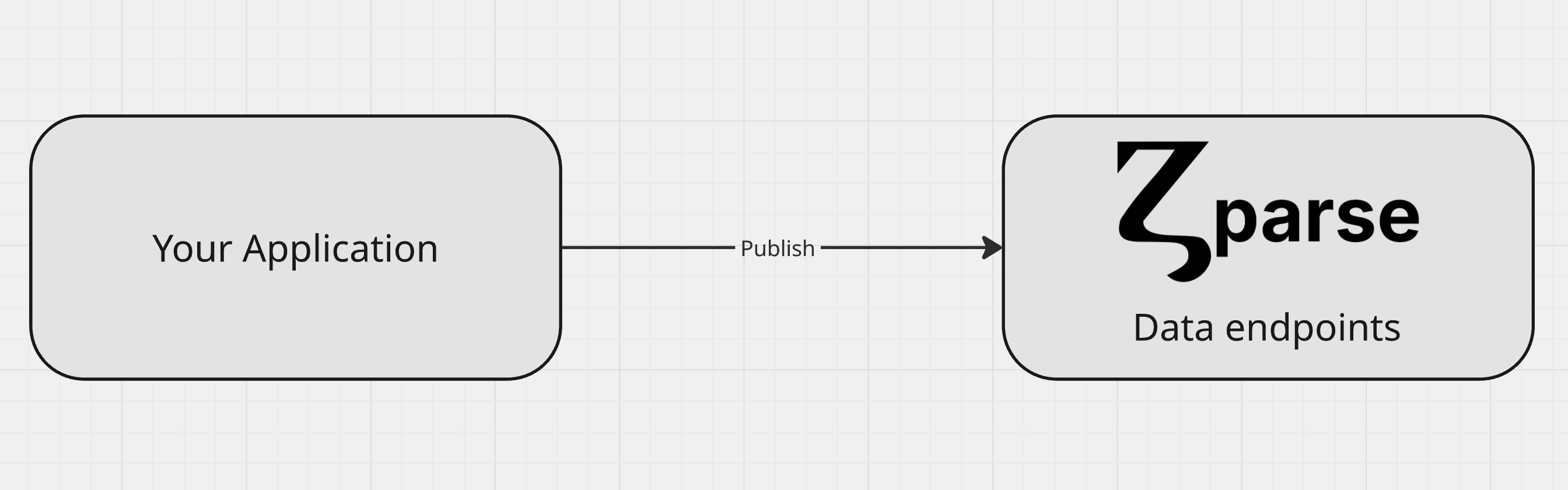
Web endpoints are APIs specifically designed to receive and ingest data. They are made available when you create a new workflow, providing a unique URL to which you can send your data for processing.
This is the preferred method for publishing data to Zparse and triggering a workflow execution.
Choosing an endpoint
Each endpoint corresponds to a function node you drop in your workflow. Pick the one that matches the shape of the data you are sending:
| Endpoint | Send | Content type |
|---|---|---|
| JSON | A single JSON payload | application/json |
| File | One file | multipart/form-data |
| Batch | Several files in one call | multipart/form-data |
| Form | Mixed named fields — text, numbers, JSON, files | multipart/form-data |
| MCP | JSON-RPC calls from an AI agent | application/json |
Learn how to ingest JSON data
Learn how to ingest a file
Learn how to ingest several files at once
Learn how to ingest a multi-field form
Expose your workflow as tools for an AI agent
Common behaviour
All web endpoints share the same conventions:
- URL shape —
https://api.zparse.io/workflow/e/{type}/{workflow_uuid}/{node_uuid}, copied from the node in the workflow editor. - Authentication — an endpoint marked
Publicaccepts anonymous calls. Otherwise send your access key in theAuthorizationheader, see Authentication. - Extra headers —
X-ZPARSE-IO-ATTRandX-ZPARSE-IO-AUTHare forwarded into the workflow as connectors, so you can carry your own context or run your own security check.
Synchronous or asynchronous
Endpoints do not all answer the same way, so pick according to whether your caller needs the result back:
| Endpoint | Runs | Answers with |
|---|---|---|
| JSON | Synchronously | The wired responder's output, inline |
| File | Synchronously, ?mode=PlayAsync for async | The responder's output inline, or the tracker |
| Batch | Asynchronously, ?mode=Play for sync | The tracker, or the responder's output inline |
| Form | Asynchronously | The tracker — read the responder's output from it |
| MCP | Synchronously, per tool call | The tool's JSON-RPC result |
A synchronous call is held open until the workflow finishes and is bound by a server-side execution timeout; a run that exceeds it is marked as timed out. Prefer the asynchronous mode for long pipelines or large batches.
When a call answers with the tracker, an authenticated caller receives the tracker payload as JSON and an anonymous caller receives an empty 200 — either way the run continues in the background and can be followed from Workflow Monitoring.
An asynchronous call does not lose the responder's output: the responder still runs, and its payload is exposed on the corresponding tracker step as a download URL. Poll the tracker, then fetch that URL — see Retrieving a response.
To answer synchronously with your own payload, wire a responder to the endpoint: