Outgoing Webhook
Call your system when an event occurs during workflow execution.
You can add outgoing hook anywhere into your workflows if you want to track execution more precisely
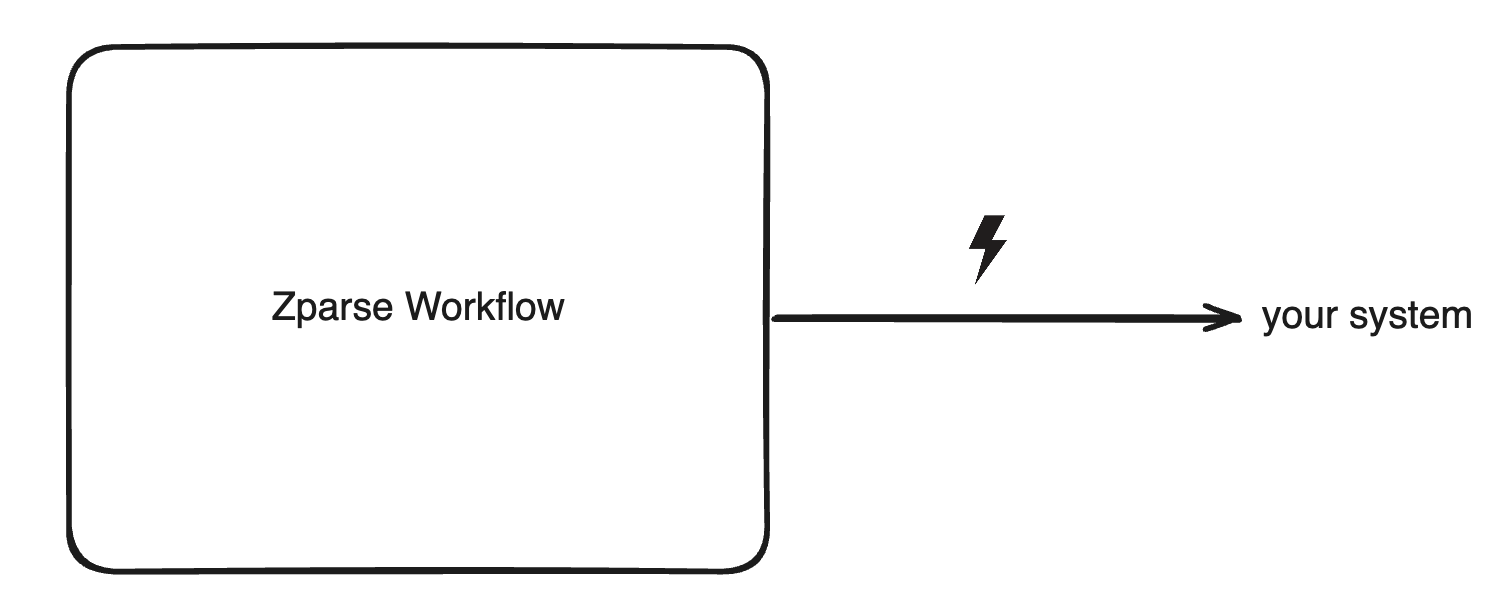
Pre-requisite
A Workflow with an Outgoing Webhook function node properly configured.
Configuration
See platform reference: How to configure Webhook
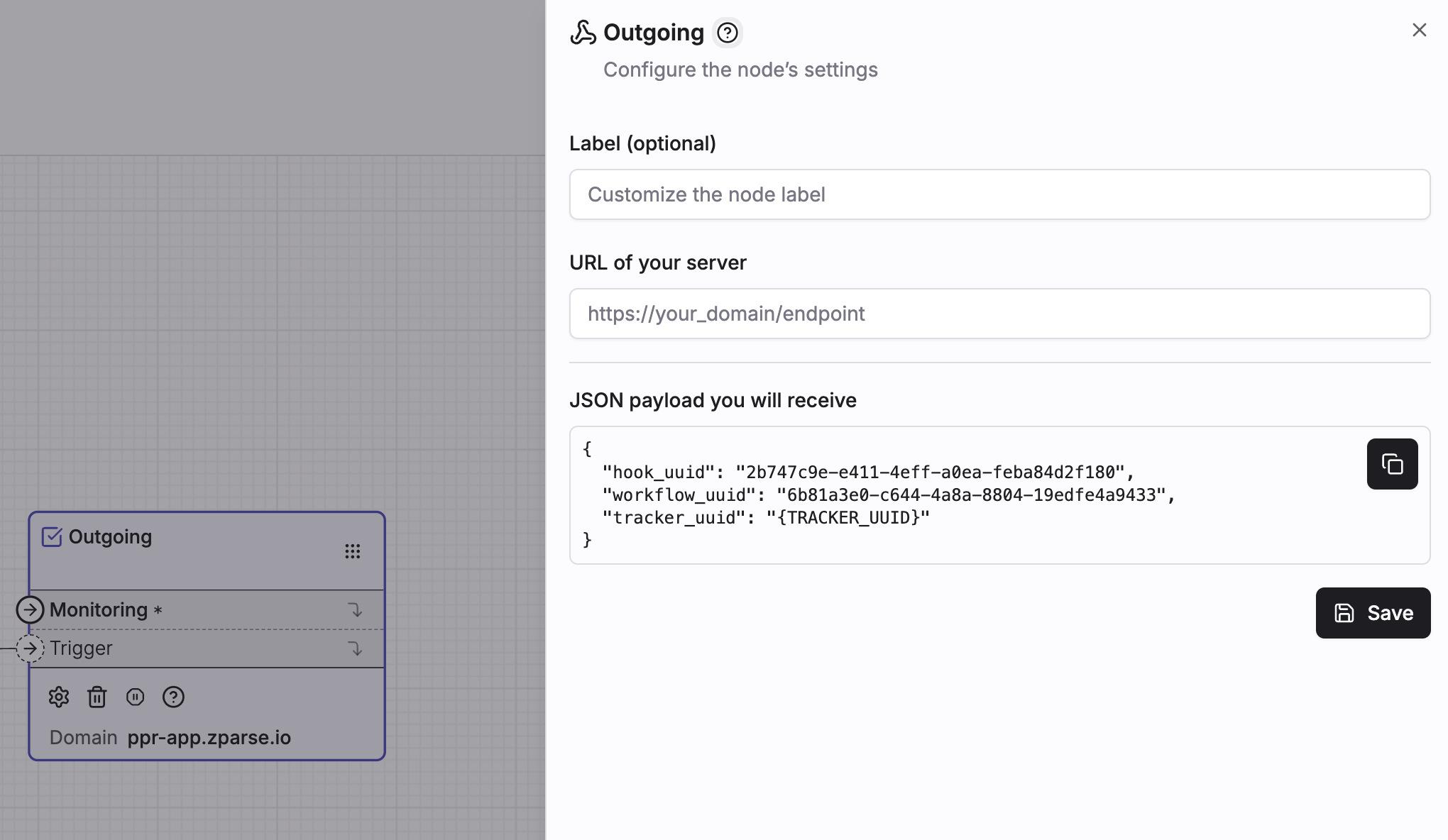 Add your own system url to trigger the hook
Wiring the node
The node has two inputs and no output — it is the end of its branch.
The identifier of the current execution, which the node forwards to your
system. Wire it from the Monitoring / Tracker uuid output of your
entry point node — without it the step fails.
Optional. Wire it to decide when the call fires — the hook waits for this branch to reach it. Accepts a trigger, an integer or a plain text value.
Usage
Zparse sends a POST request to your url with the following JSON body:
{
  "hook_uuid": "2b747c9e-e411-4eff-a0ea-feba84d2f180",
  "workflow_uuid": "6b81a3e0-c644-4a8a-8804-19edfe4a9433",
  "tracker_uuid": "{TRACKER_UUID}"
}
hook_uuididentify which workflow node made the call (useful if you have multiple outgoing hook in the same workflow)workflow_uuididentify which workflow the request originated fromtracker_uuidget information about current execution instance
The payload is deliberately minimal — it tells you that something happened and where, not what the data was. Call back the Monitoring API with the tracker_uuid to read the run's steps, and retrieve a response if you need the payload a responder produced.
Zparse waits one second for your endpoint and then gives up. Acknowledge immediately — return 200 as soon as you have queued the notification, and do your own processing afterwards. A slow endpoint fails the step even though it received the call.
There is no retry: a failed notification is not sent again.
Delivery semantics
- Any HTTP status counts as delivered. The step succeeds as long as your server answered at all — a
500or a404is treated as success. Only a timeout, a DNS failure or a refused connection fails it. - A failed call fails the step, which stops that branch of the workflow. Put the hook on a side branch if the rest of the run should continue regardless.
- No authentication is sent. Zparse adds no
Authorizationheader and no signature, so protect the receiving url yourself — keep it unguessable, or embed a secret in the path or the query string and verify it on your side. - Local and private addresses are rejected when saving the node: a url containing
127.0.0.1or10.0.0.is refused, so your endpoint must be reachable from the internet. - An empty url is flagged as a configuration warning on the node in the editor.
Common patterns
- Notify on completion — place the hook at the end of the workflow so your system knows the run finished and can pull the result.
- Notify on failure — wire it on the failure branch of a step to get alerted only when something goes wrong.
- Track progress on long runs — drop several hooks along the workflow; use
hook_uuidon your side to tell which milestone was reached.